Platform
What you see
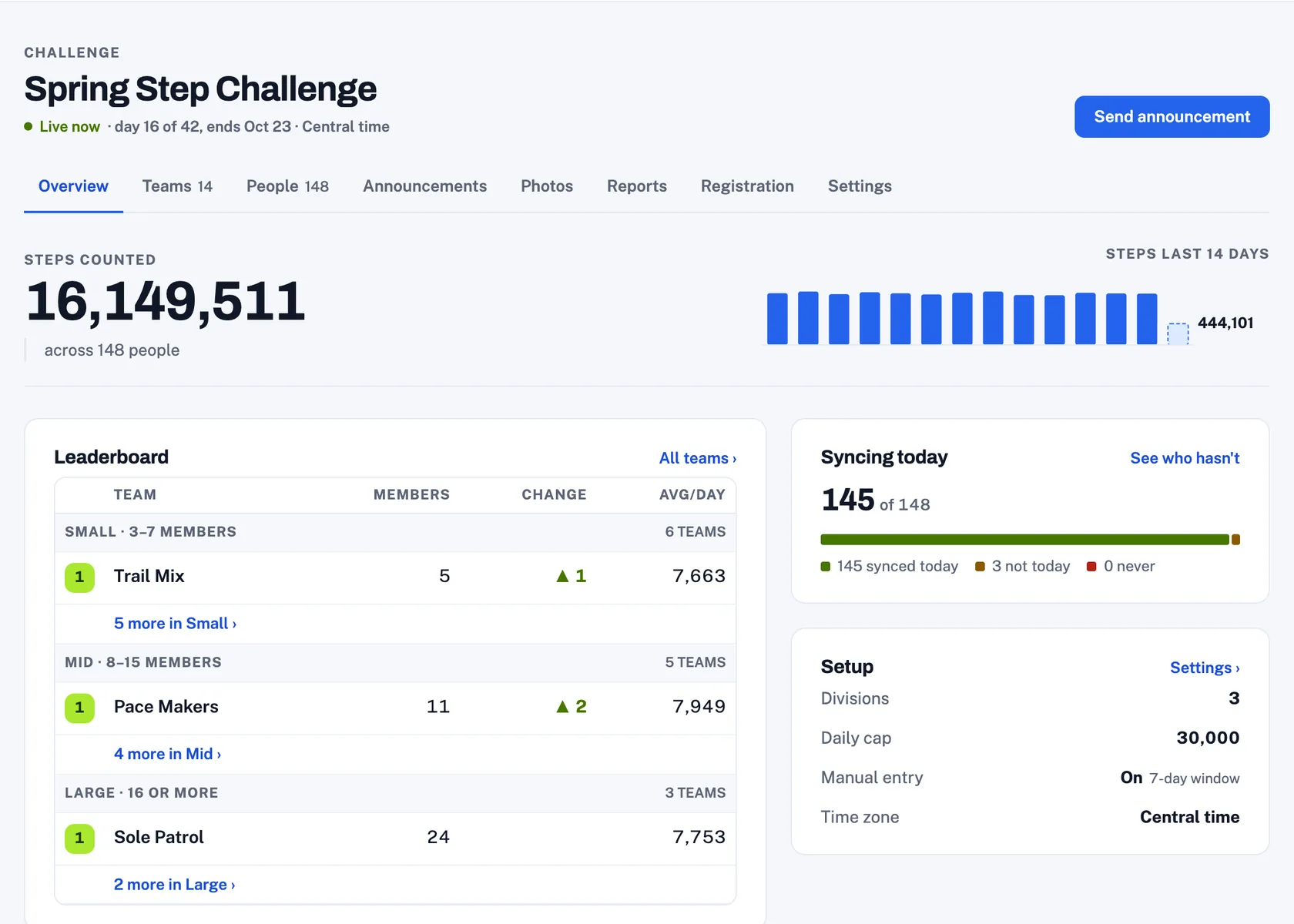
Your organizer desktop to monitor the challenge.
Participants, teams, standings, announcements and registration settings in one place, with a live view of the team steps and any detected issues.
- Registration fees are collected by the system and deposited in your bank account.
- Brand the participants' experience with your message, your color, and your custom banner.
- Teams sort into divisions on their own, and stay sorted as they grow.
- Create sponsor posts and messaging into the challenge.
- Phone trouble is handled by the app and the captain first.
Why people keep at it
People walk more when they can see where they stand.
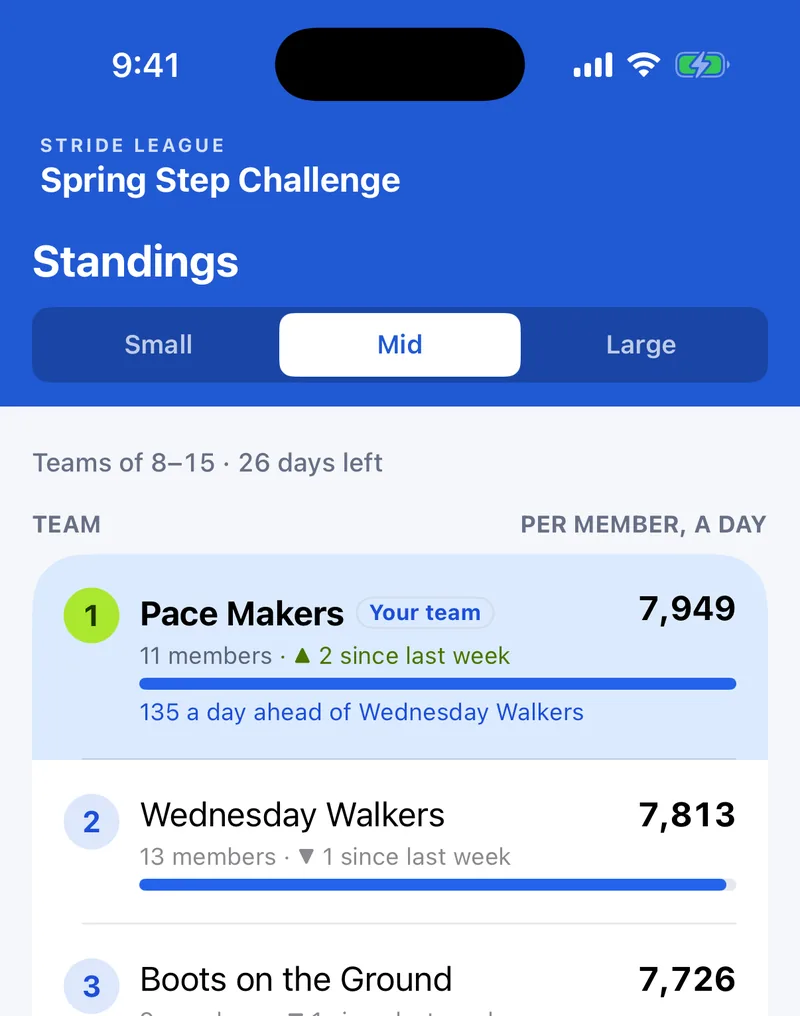
Standings move every day: where your team sits in its division, where you sit on your team, and which days you hit your goal. People check it in the morning, and then they take the long way back to the car.
A team that is two thousand steps behind on Thursday knows it on Thursday, which is the day somebody can still do something about it.
The social side
A challenge people talk to each other through.
Walking alone is a chore. Walking because Dana is four hundred steps ahead of you is a different thing entirely, and most of what keeps people going is the part that happens between them.
Friend requests
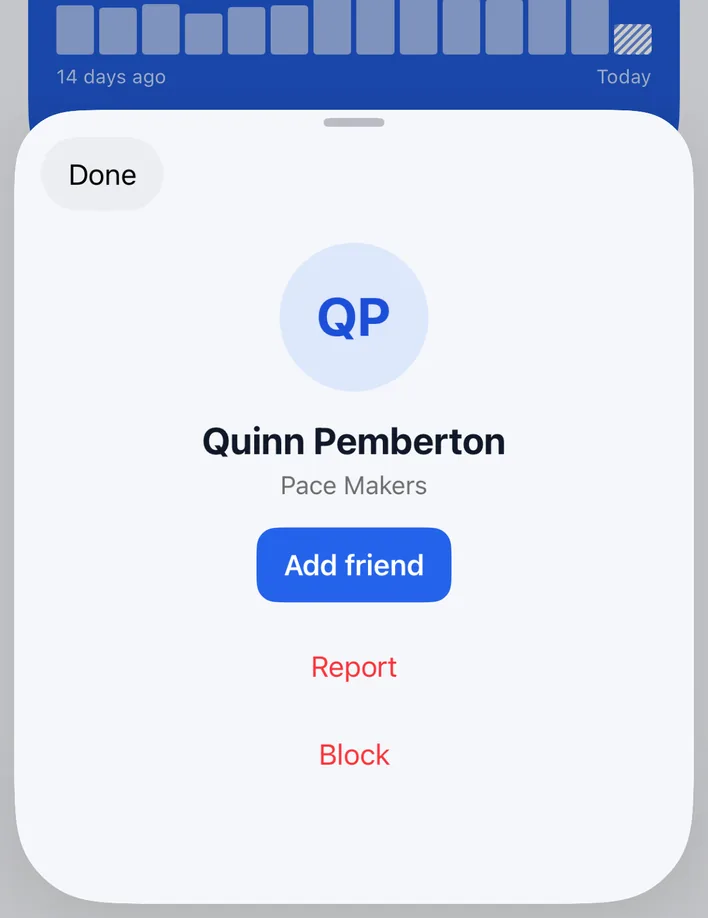
Add the people you know, across teams and across the whole challenge, and see how they are doing at a glance.
Team chat
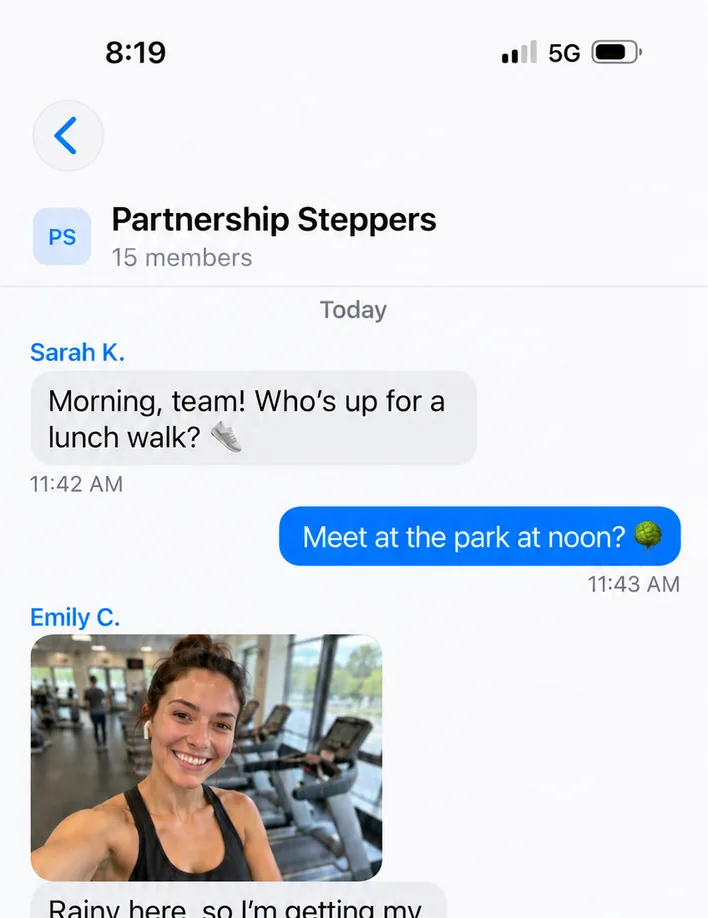
Every team gets its own thread in the app. Captains rally, plans get made, and the walk at noon happens because somebody suggested it at ten.
A photo Challenge Wall
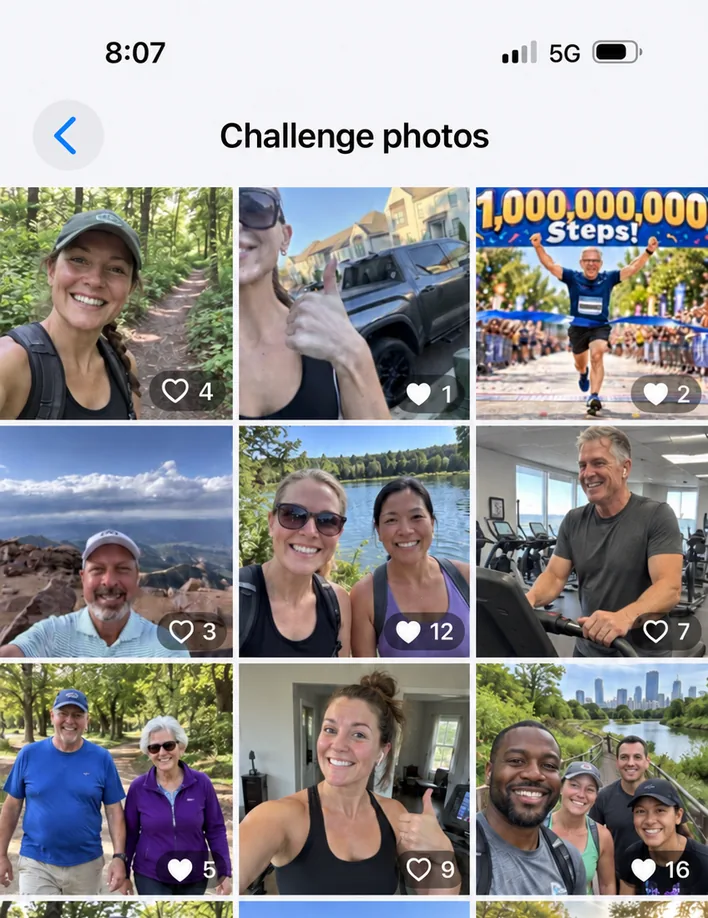
Everybody posts where they walked. Trails, dogs, sunrises, the stairwell at work. It is the part people scroll for.
Announcements and sponsors
You have everybody’s attention. Use it.
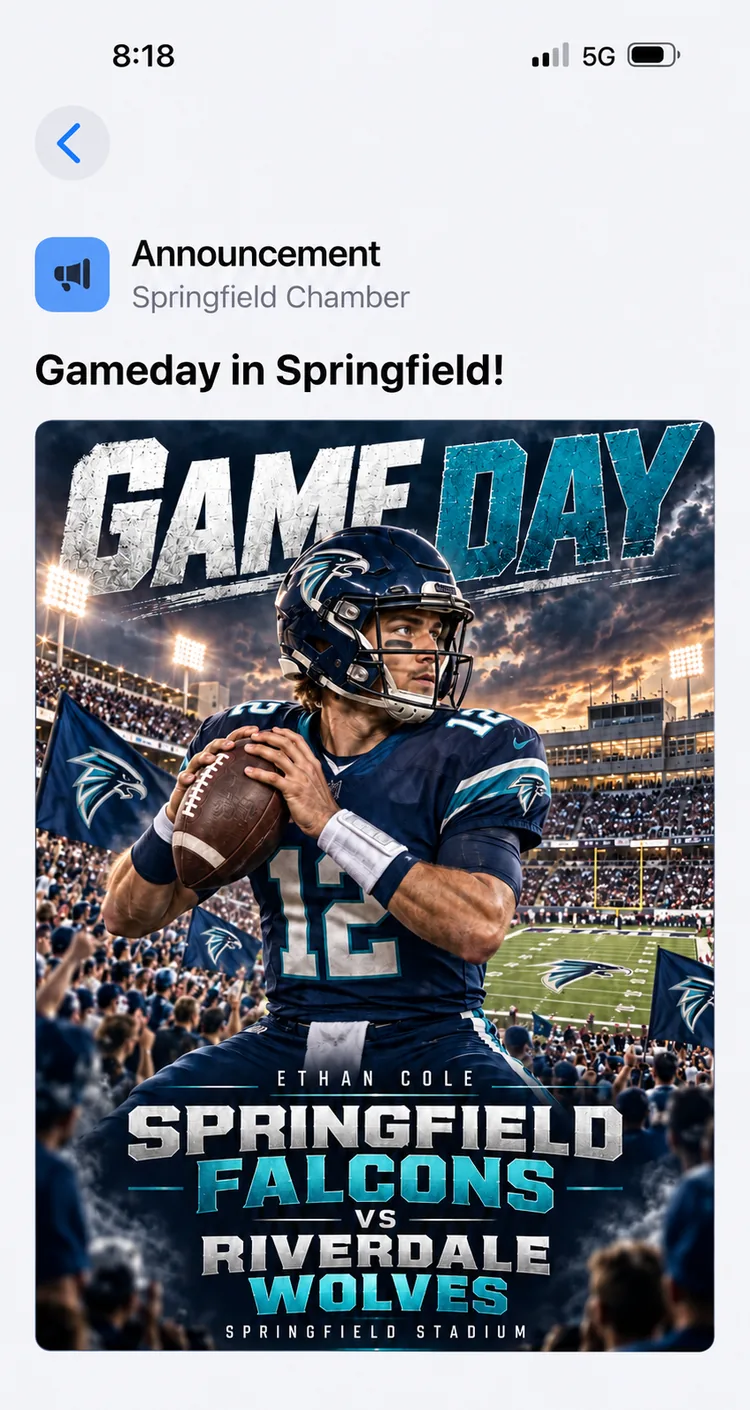
Post an announcement and it lands in the app for every participant: the Saturday group walk, the route change, the week you are giving away shirts. Add a picture and people actually stop on it.
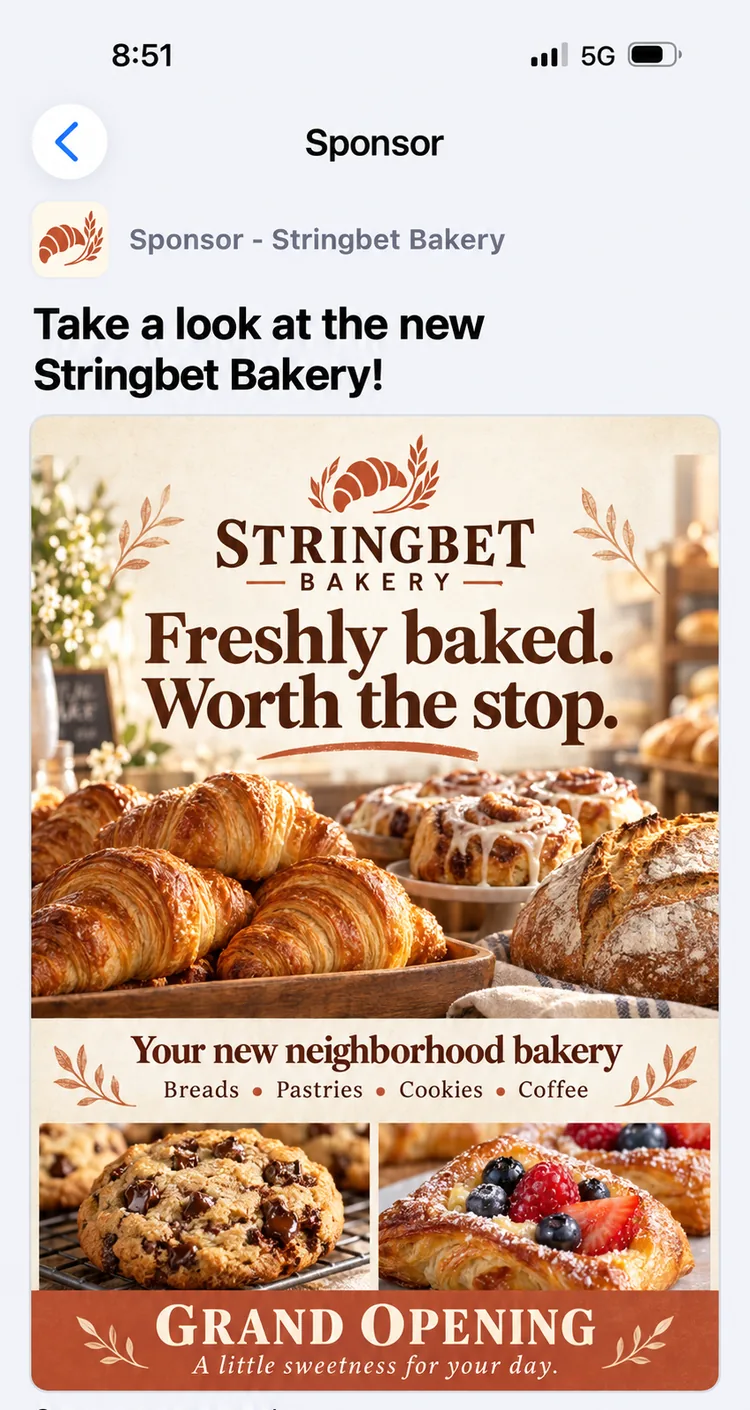
Sponsors get their own posts, with their logo, in the same feed. A hardware store offering a discount, a clinic running a free screening, a coffee shop on the walking route. It is a real audience of local people who have already agreed to walk around town, and that is a straightforward thing to sell.